




Many players now start their casino journey on a phone, not a laptop. Search engines are full of queries about the Slotrave app, even though the brand currently focuses on a smooth mobile browser experience rather than a classic store download.
In practice, most customers reach the site through a mobile browser and then save it as an icon on their home screen. That setup behaves very much like a lightweight app, giving quick access to games and payments while keeping everything inside the browser.
This guide explains how Android and iOS users can work with that approach, what to expect from the mobile features, and how registration and games work on the go.
Mobile App for Android
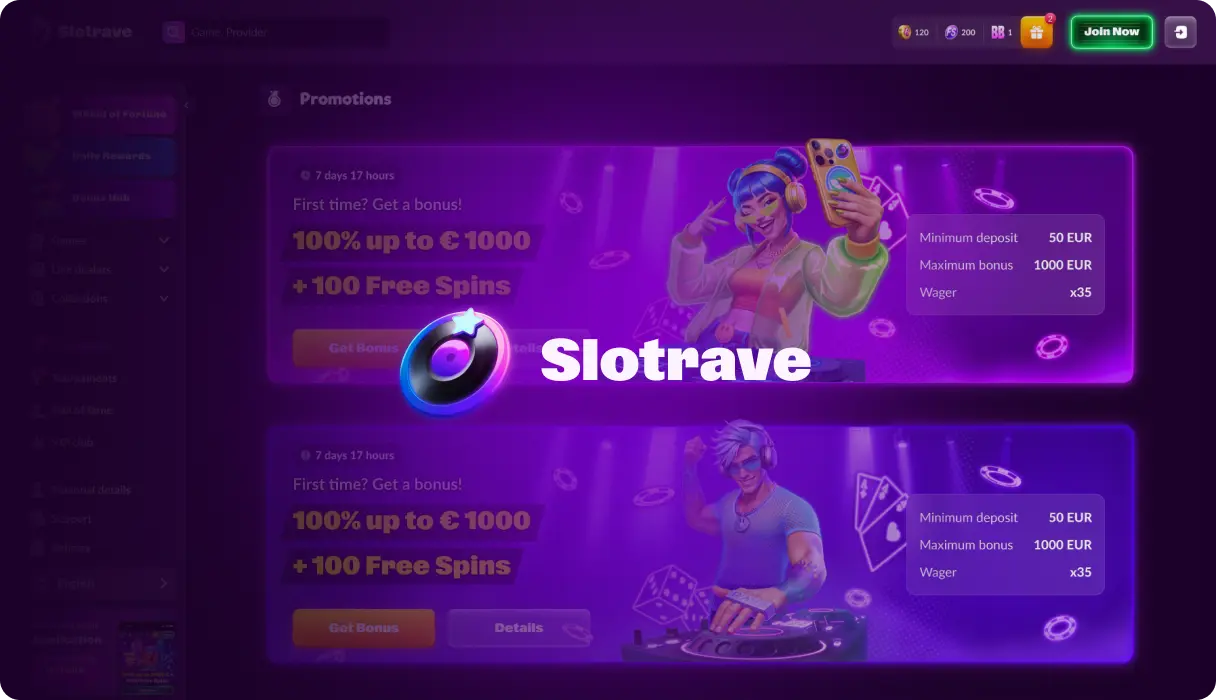
Android users make up a large share of the mobile gambling audience, so it is no surprise that many search for a dedicated Slotrave casino app. At the moment, however, the brand does not promote a separate app in the Google Play Store and instead pushes players towards the responsive mobile website.
That does not mean Android users lose out. Modern browsers can turn a website into a near-native icon on the home screen, giving instant access without needing a full installation. For most players, this strikes a decent balance between speed, security, and storage space.
How to Download and Install
Because the casino leans on the browser, there is no traditional Play Store entry or heavy installer. Searches like ‘download Slotrave app’ or ‘Slotrave app download’ usually lead straight to the official website, because there is no separate store listing yet.
A simple way to mimic an app experience is to create a shortcut that behaves like a progressive web app. The exact wording varies between browsers, but the basic process looks like this:
- Open Chrome or another modern browser on your Android phone or tablet and visit the official Slotrave website.
- Log in or create an account, then wait for the casino lobby to load fully.
- Use the browser menu and choose the option labelled ‘Add to Home screen’ or ‘Install’.
- Confirm the suggested name so an icon appears on your device’s home screen.
- Launch the casino in the future by tapping that icon instead of typing the address again.
If any third-party site encourages you to download Slotrave APK files directly, treat that carefully. The safest approach is to ignore offers to download files from unofficial mirrors and instead stick to the secure, browser-based route promoted by the operator.
Compatible Devices
The browser-based nature of the service means the requirements for Android are relatively modest. Any reasonably recent device with a stable internet connection and an up-to-date browser should handle the mobile lobby. In practical terms, that means a smartphone or tablet from the last few years running a current version of Android.
Smoother performance tends to come from devices with more RAM and a newer chipset, but casual play does not demand high-end hardware. As always, using Wi-Fi or a reliable data signal makes a big difference to how stable sessions feel.
Mobile App for iOS
Apple users approach casino apps a little differently because the App Store guidelines for gambling can be quite strict and vary by region. As a result, many operators, including this one, prioritise a high-quality mobile website over pushing a fully native iOS download.
On iPhone and iPad, the browser version behaves much like an app once it has been saved to the home screen. Pages resize cleanly, buttons remain thumb-friendly, and the cashier is built to fit smaller displays.
How to Download and Install
There is currently no separate listing in the Apple App Store, so players do not ‘download Slotrave’ in the traditional sense. Instead, the casino runs inside Safari or another supported browser and can be pinned for faster access.
Creating that shortcut only takes a moment and keeps the experience close to a dedicated application:
- Open Safari on your iPhone or iPad and navigate to the official Slotrave site.
- Sign in or complete the registration form, then let the main lobby load fully.
- Tap the share icon in the browser and choose ‘Add to Home Screen’ from the list of options.
- Adjust the suggested name if needed and confirm to create the icon.
- Use this new icon whenever you want to jump straight into the mobile casino.
Once added, the shortcut opens in its own window, hiding most browser chrome and delivering a cleaner, more app-like appearance. Updates happen automatically through the website, so there is no need to manage downloads or patches.
Compatible Devices
Because everything runs in the browser, the main requirement is simply a reasonably recent iOS version and a stable internet connection. Most modern iPhones and iPads comfortably handle the graphics and animations used by online slots and table games.
For smoother play, it helps to keep iOS and Safari updated to the latest versions and to close background apps that might compete for memory. As with Android, playing over Wi-Fi rather than an unstable mobile signal tends to cut down on freezes and disconnects.
Features of the App
Whether accessed from Android or iOS, the mobile site is designed to cover the same core functions as the desktop. Account settings, payments, and responsible gaming tools stay accessible through simple menus, while the lobby layout focuses on large touch targets and quick search tools.
Instead of a traditional casino app with separate codebases for each platform, the operator relies on a single responsive site that handles most tasks. That approach keeps things consistent between devices and makes updates more straightforward.
From a user perspective, some of the most noticeable features include:
- A single account for desktop and mobile, with shared balances, bonuses, and verification status.
- Access to the same deposit and withdrawal methods, including cards, e-wallets, vouchers, and a range of cryptocurrencies.
- A slots-first lobby with filters and search to help track down favourite titles quickly on a small screen.
- Quick reload of recently played games, useful for short mobile sessions.
For many players, this setup offers the best of both worlds: the flexibility of a website with the convenience of an app shortcut. Those who prefer a lighter footprint also appreciate not having to install large files that compete for storage with photos and other apps.
Registration Process via the App
Sign-up on mobile follows almost the same pattern as on desktop, just optimised for a vertical screen. New players can register directly from the shortcut created earlier or by visiting the site in a browser and tapping the registration button at the top of the page.
The form usually asks for basic details such as email address, password, name, date of birth, and country. Choosing a preferred account currency at this stage helps avoid confusion later, especially when deposits and withdrawals start flowing.
After submitting the form, players are often asked to confirm their account through an email link or SMS code. It is good practice to complete verification documents early as well, so that future withdrawals requested from the Slotrave app environment can be processed without delays.
Mobile Website Version
The mobile website is the real backbone of the experience, even if many players think of it as an app. Pages are built to resize automatically, with menus adapted for tapping rather than clicking, and key actions kept within easy reach of the thumb.
Touch gestures make it simple to scroll through categories, search for specific titles, or open the cashier. Because the same layout is shared between Android and iOS, switching devices does not require a learning curve; everything remains in roughly the same place.
From a security perspective, the browser handles encryption and certificate checks, while the casino looks after account-level protections. As always, using strong, unique passwords and, where available, multi-factor authentication keeps accounts safer on phones that might be lost or shared.
Mobile Games
Game choice is at the heart of any mobile offering. On phones and tablets, slots and table games open in full-screen mode, with controls redesigned for touch. Spinning reels, placing chips, or adjusting stakes can usually be done with one hand.
Most titles that work on desktops will also run on mobile, although the layout can shift slightly to suit smaller screens. Important buttons such as spin, stand, or confirm are kept large and separated enough to reduce accidental taps.
Because everything runs through the same account, progress and preferences travel between devices. A player can start a session on a laptop and later pick up the same games on the Slotrave mobile shortcut without losing access to their balance or current bonuses.
Questions And Answers
-
Right now, the casino focuses on a browser-based mobile site rather than a separate listing in Google Play or the Apple App Store. Players can still create a home-screen icon that behaves very much like a lightweight app.
-
It is generally safer to avoid installing casino files from unofficial mirrors, even if they claim to be related to Slotrave. Sticking to the official website through a trusted browser is the best way to reduce the risk of malware or fake login pages.
-
Because everything runs through the browser, performance depends mostly on the internet quality and how up-to-date the software is. Older devices can still handle the lobby and games, but closing background apps and using Wi-Fi usually makes sessions noticeably smoother.